
How Many Devices Can I Use for IPTV? Connections Explained
The answer hinges on one detail almost every guide gets wrong: the difference between installs and simultaneous connections. Here’s how it really works.
“How many devices can I use for IPTV?” sounds like a simple question, but the honest answer has two parts — and mixing them up is why people get frustrated by a “max connections reached” error. This guide untangles it: you can usually install the app on as many devices as you like, but you can only stream on a set number at the same time. Once that clicks, choosing the right plan is easy. For plan pricing, pair this with our how much does IPTV cost guide.
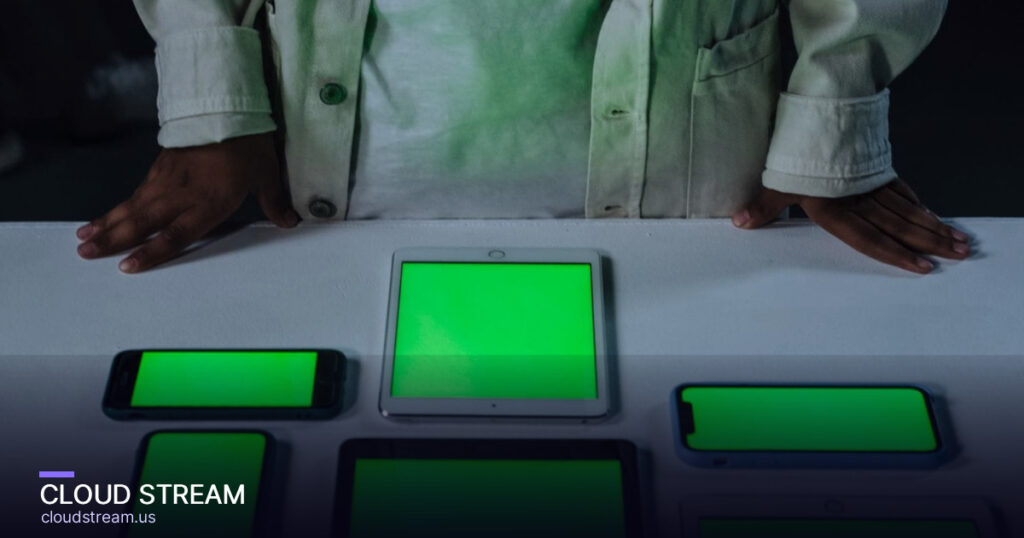
The key distinction: installs vs simultaneous connections
Here’s the thing nearly every guide glosses over. There are two separate numbers:
- Installs — how many devices you can set up the service on. This is usually unlimited. Put the app on your living-room TV, bedroom TV, phone, tablet and laptop — all fine.
- Simultaneous connections — how many of those devices can play at the same time. This is what your plan actually limits. A “2-connection” plan = two streams running at once.
So you’re never restricted to “2 devices” total — you’re restricted to 2 devices streaming at the same moment. The other devices still have the app installed and ready; they just have to wait their turn. Get this and everything else makes sense.
How connections map to plans and price
IPTV plans are usually priced by the number of simultaneous connections. The more screens you need running at once, the higher the tier:
| Connections | Best for |
|---|---|
| 1 connection | Single viewer, or one TV at a time |
| 2 connections | Couples — living room + bedroom at once |
| 3 connections | Small families watching different things |
| 5+ connections | Big households or multi-room setups |
Adding connections costs a little more, which is why it pays to count honestly rather than over-buying. Understand the underlying login format in our M3U & Xtream Codes guide.
Not sure how many you need? Test it
Start a free trial and stream on your real devices at once — you’ll see exactly how many connections your household needs. No card required.
Why you get a “max connections reached” error
This error is almost always a misunderstanding, not a fault. It means you’ve hit your plan’s simultaneous-stream limit. Common causes and fixes:
- Too many screens at once. A 2-connection plan won’t allow a third simultaneous stream — stop one, or upgrade connections.
- A stream didn’t close properly. Force-closing an app (or a device sleeping) can leave a “ghost” connection open for a while. Wait a few minutes or restart the app to release it.
- Login shared too widely. If you shared your login, someone else may be using a slot. Keep your credentials private.
How many connections does your household actually need?
Simple rule: count the maximum number of screens that watch different things at the same time on a typical busy evening. Not total TVs — concurrent viewers. Examples:
- Live alone / watch one room: 1 connection.
- Couple, occasionally different rooms: 2 connections.
- Family of four, kids + parents split: 3 connections.
- Large household, sports + kids + bedroom: 4–5 connections.
When in doubt, start lower — you can usually upgrade later if you keep hitting the limit. See our best IPTV service guide for matching a plan to your setup.
Don’t forget bandwidth
Connections are about the service’s rules; bandwidth is about your internet. Each simultaneous stream uses roughly:
- SD: ~3–4 Mbps
- HD: ~8–10 Mbps
- 4K: ~25 Mbps
So three HD streams at once need ~30 Mbps of real, stable download speed. If you buy 5 connections but only have slow internet, you’ll buffer regardless — connections and bandwidth have to match.
Connections by household: a quick guide
Not sure how many simultaneous connections to buy? Match it to how many screens might ever play at the same time — not how many devices you own:
| Household | Screens at once | Connections to get |
|---|---|---|
| Single viewer or couple | 1 | 1 connection |
| Small family | 2 | 2 connections |
| Big or sports-mad household | 3+ | 3+ connections |
| Shared / reseller use | Many | Multi-connection plan |
When in doubt, start with one or two and scale up later — most providers, Cloud Stream included, let you add connections without starting over.
Stop juggling one screen. Start a free 24-hour trial and stream on every TV, phone and tablet in your house tonight — no card needed.
Frequently asked questions
How many devices can I use for IPTV?
You can typically install your IPTV service on unlimited devices — TV, phone, tablet, laptop and streaming sticks — but you can only stream on a set number at the same time, defined by the simultaneous connections in your plan. So a 2-connection plan does not limit you to two devices total; it limits you to two streams playing at once, while the other devices still have the app installed and ready. Count how many screens watch different things at once and buy that many connections.
What is the difference between installs and connections?
Installs are how many devices you can set the app up on, which is usually unlimited. Connections are how many of those devices can stream at the same time, which is what your plan actually limits. Think of it like a highway: you can own five cars (installs) but a two-lane road (connections) only lets two drive at once, while the rest are parked and ready. Understanding this distinction is the key to choosing the right plan and avoiding a max-connections error.
Can I use IPTV on multiple TVs at once?
Yes, as long as your plan includes enough simultaneous connections. If you want to watch different channels on the living-room TV and a bedroom TV at the same time, you need at least a 2-connection plan. You can install the app on every TV in the house regardless, but the number streaming concurrently is capped by your connections. For a household where several rooms watch at once, choose a 3 or 5-connection plan to avoid interruptions during busy evenings.
Why do I get a “max connections reached” error?
That error means you have hit your plan’s simultaneous-stream limit. The usual causes are simple: too many screens playing at once for your connection count, a stream that did not close properly and left a temporary ghost connection open, or a login shared too widely so someone else is using a slot. Fixes include stopping one stream, waiting a few minutes or restarting the app to release a stuck connection, keeping your login private, or upgrading to more connections if you regularly need more.
How many connections do I need for my household?
Count the maximum number of screens that watch different things at the same time on a typical busy evening — concurrent viewers, not total TVs. Someone who watches one room at a time needs one connection; a couple who sometimes split rooms needs two; a family of four splitting between kids and parents needs about three; a large household with sports, kids and a bedroom going at once needs four or five. When unsure, start lower and upgrade later if you keep hitting the limit.
The bottom line
You can install IPTV on as many devices as you want — what your plan limits is how many stream at the same time (connections). Count your household’s concurrent screens, match that to a connection tier, and make sure your internet bandwidth keeps up. Want to see how many you really need? Start a free Cloud Stream trial and test it live.
Reference: IPTV (Wikipedia).
“The server is stable — I had no buffering issues, even on my 1-day trial.”
“Just renewed for another year. I don't miss my cable service of 40 years.”
“Been using it for nearly 1.5 years now — I've never had an issue.”
- Cheapest IPTV in 2026: What Cheap Really Costs (Scams to Avoid)
- IPTV Free Trial: How to Test a Service Before You Pay (2026)
- Best IPTV Service in 2026: How to Choose the Right One
- IPTV USA in 2026: The Best US IPTV Service & How to Choose
- Best IPTV for Sports in 2026: Watch NFL, UFC, Soccer & PPV Live
- 4K IPTV in 2026: What It Really Means & How to Get True Ultra-HD Streaming
- How to Watch Lions vs Bills (TNF Week 2): Time, Channel & Stream
- How to Watch Canelo vs Mbilli: Date, Time & Live Stream (2026)
- How to Get IPTV: Beginner’s Guide to Start Watching in 10 Minutes (2026)
- IPTV on Roku (2026): What Actually Works + Why Firestick Is Better
- Arabic IPTV in the USA (2026): MBC, Rotana, beIN & 500+ Channels